

TimeFlies
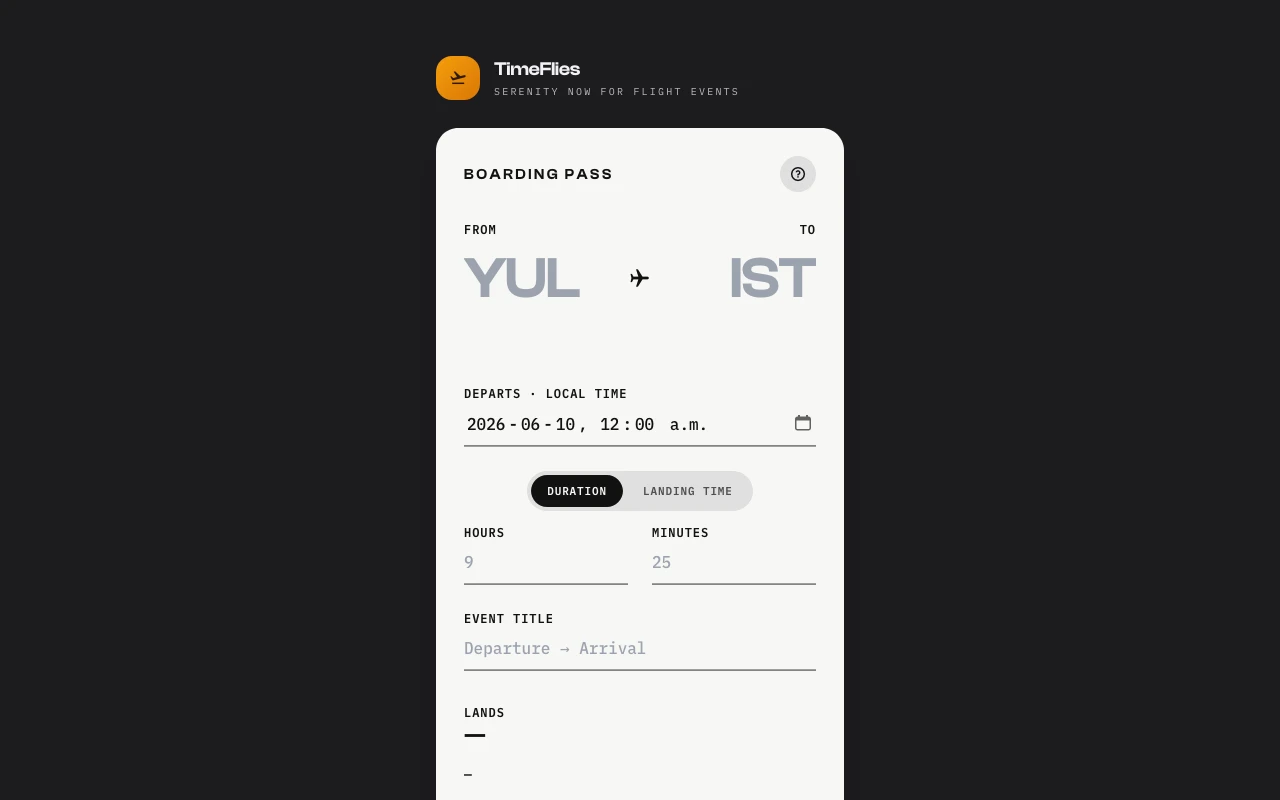
TimeFlies turns cross-timezone flight details into a downloadable .ics file. Type two airport codes and the times from your ticket. It anchors both ends of the event to the departure time zone, so the calendar displays correctly no matter where your phone thinks it is.
What problem does it solve?
Calendar apps tie an event to a single time zone. An intercontinental flight has two. When you enter a flight with real departure and arrival times, the arrival belongs to a different zone, and the event displays wrong the moment your phone switches zones mid-trip. The clean fix is to anchor the whole event to the departure time zone and rewrite the arrival on that clock. Doing that by hand means converting zones for every flight.
How it works
Type the departure airport code and local departure time from your ticket. Type the arrival airport code, then either the flight duration or the landing time in arrival local time, whichever the ticket shows. Time zones are looked up from the airport codes automatically. TimeFlies computes the missing piece, shows the landing time as a sanity check, and produces a downloadable .ics file. The event start sits in departure-local time and the end is the arrival instant rewritten on the same departure clock. Once you land and your device flips zones, the event redraws to the correct local times on its own.
Whom it’s for
Anyone who flies between time zones and wants their calendar to stop lying about when they land.
Tech
Static single-page app in vanilla JavaScript. Airport-to-timezone lookup from an embedded OpenFlights dataset covering 5,500 airports. Timezone conversion via Intl API. No server, no data leaves the browser.
Frequently asked questions
What does TimeFlies do?
It generates an .ics calendar file where both the start and end time are anchored to the departure time zone. The event displays correctly as your phone changes zones mid-trip.
Why not enter the flight directly in my calendar?
Calendar apps treat both the start and end time as belonging to one time zone. A cross-timezone flight has different zones for departure and arrival, and the event breaks the moment your phone switches zones.
Do I need to know the time zones?
No. Type the three-letter airport codes from your ticket and the time zones are looked up automatically.
What if my ticket shows landing time instead of duration?
Either works. Toggle between entering the flight duration or the landing time in arrival local time, exactly as printed on the ticket.
Does it need internet?
No data leaves your device. Everything runs in the browser.
Is it free?
Yes. No signup, no ads.