
GrandGuard
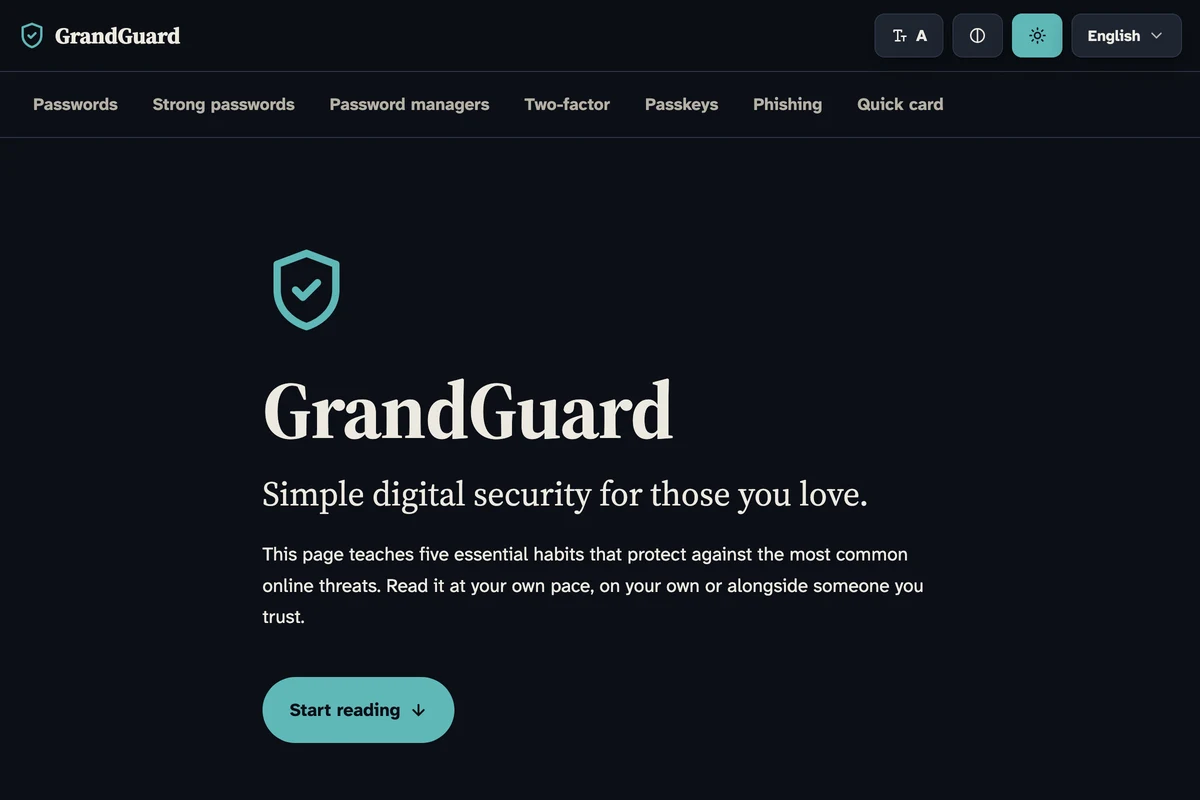
GrandGuard is a warm, plain-language microsite that teaches the five essential digital security habits to older adults. Passwords, password managers, two-factor authentication, passkeys, and phishing, explained without jargon. WCAG 2.1 AA compliant, with an accessibility toolbar and six languages.
What problem does it solve?
Most digital security advice is written for people who already speak the language of tech. Older adults face the same phishing attempts, SIM swaps, and password leaks as anyone else, but the guidance they are handed is either condescending or impenetrable. GrandGuard teaches the five habits that actually protect people, in plain language, at a pace that respects the reader.
How it works
A single-page microsite covers five topics in order. Why passwords matter, how to build a strong one, password managers, two-factor authentication, the weakness of SMS codes, passkeys as the next step, and phishing. Each section uses short sentences, concrete analogies, and diagrams drawn in the style of modern icon libraries. A quick-reference card at the end is printable. An accessibility toolbar lets readers adjust text size, turn on high contrast, switch to dark mode, and pick their language. Every preference is remembered between visits.
Whom it’s for
Anyone helping a parent, grandparent, or loved one stay safe online. The content is written to be read together, but the tone never assumes the reader needs hand-holding. It works equally well on its own.
Tech
Vanilla HTML, CSS, and JavaScript in a single file. GSAP for the shield draw-in animation and scroll-triggered section reveals, gated behind prefers-reduced-motion. Google Fonts for Source Serif 4 and Atkinson Hyperlegible Next. WCAG 2.1 AA compliant, with a screen reader live region for preference changes, full keyboard navigation, and print styles that strip colour for black-and-white output. Six languages localized.
Frequently asked questions
What is GrandGuard?
A single-page guide that teaches the five digital security habits that matter most. Written for parents, grandparents, and anyone who prefers things explained without jargon.
What does it cover?
Why unique passwords matter, how to create strong passwords, password managers, two-factor authentication, why SMS codes are weakest, passkeys, and how to spot phishing.
Is it accessible?
Yes. WCAG 2.1 AA compliant. It includes an accessibility toolbar for text size, high contrast, dark mode, and language, with screen reader announcements for every change.
What languages are available?
English, French, Turkish, Spanish, Simplified Chinese, and Traditional Chinese. Each version is culturally localized, not machine translated.
Is it free?
Yes. No tracking beyond privacy-friendly analytics, no ads, no signup.