

Chroma Census
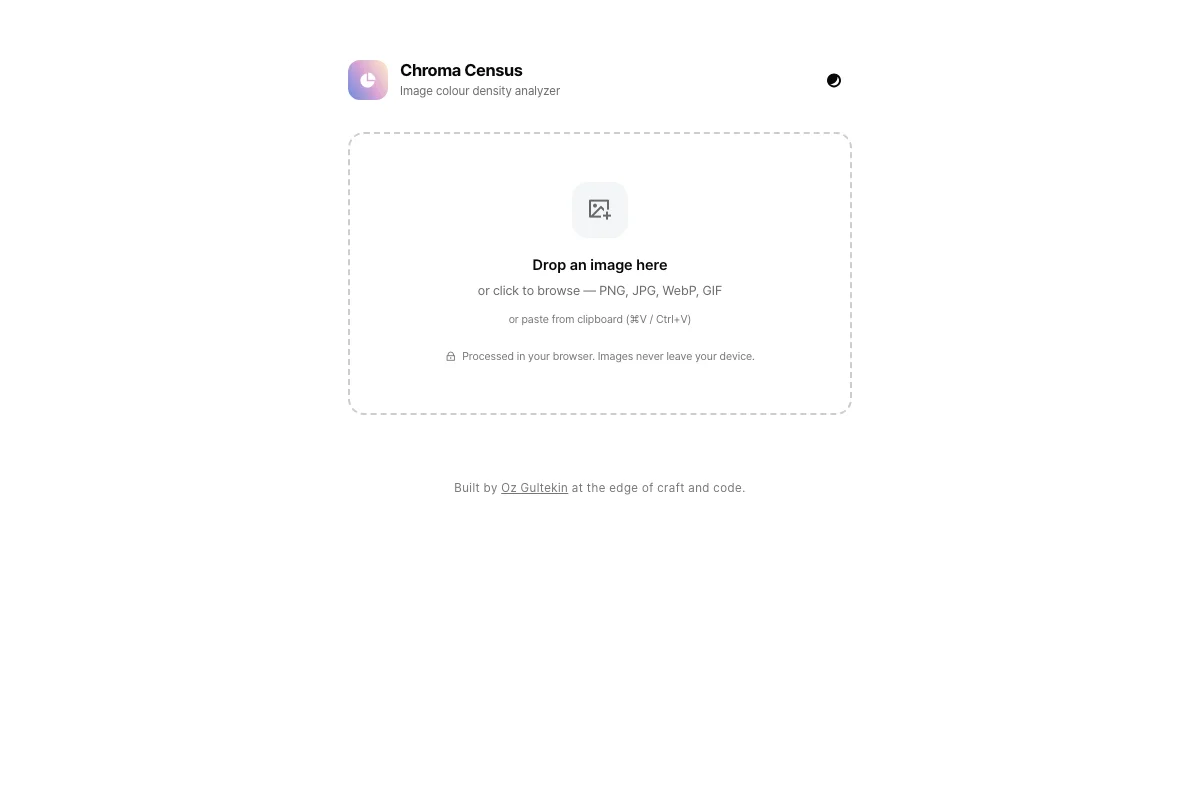
Chroma Census analyzes the colour density of any image. Drop in a photo and it breaks down the full hue distribution, showing exactly which colours dominate and in what proportion.
What problem does it solve?
Designers and photographers often need to understand the colour makeup of an image beyond what their eyes can approximate. Chroma Census gives an exact breakdown, turning a subjective impression into objective data.
How it works
Drop an image into the page. The tool samples every pixel, maps each one to a hue range, and renders the distribution as a visual breakdown. The result shows which colours dominate, which are accents, and how the palette is weighted. Everything runs in the browser.
Whom it’s for
Designers checking palette consistency, photographers evaluating colour grading, and anyone curious about what makes an image feel the way it does.
Tech
Client-side pixel analysis using the Canvas API.
Frequently asked questions
What is Chroma Census?
A tool that analyzes the colour density of any image. It breaks down the hue distribution and shows which colours dominate and in what proportion.
Does my image get uploaded?
No. The analysis runs entirely in the browser.
What formats does it support?
Any image format the browser can render, including JPEG, PNG, and WebP.
Is it free?
Yes. No signup, no cost.